Collections
Collections group screenshots for one product, app, platform, or design surface.
Create a collection
From a workspace's collection list, choose Create Collection.
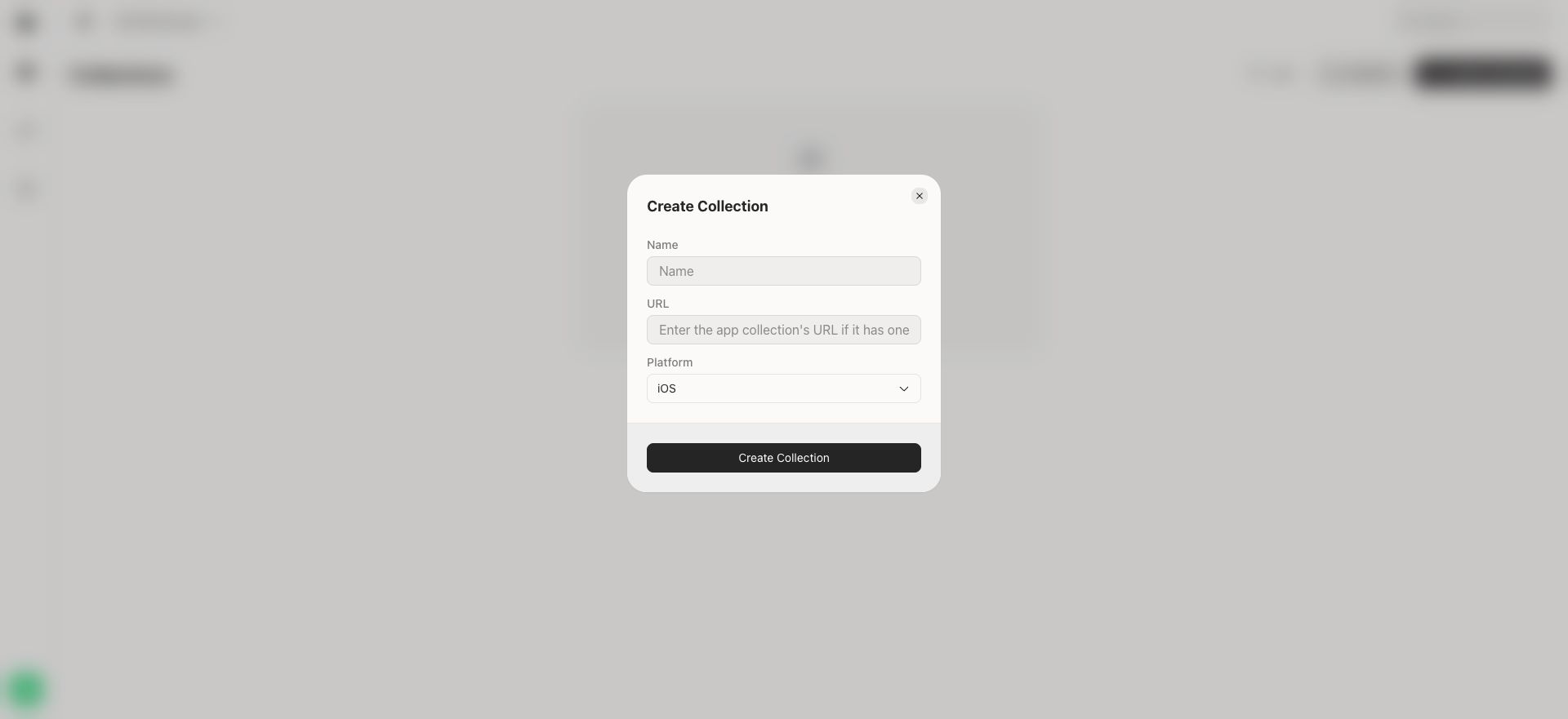
Fill in:
- Name: the collection name shown in the workspace.
- URL: optional product or app URL.
- Platform: iOS, Android, Web, or Desktop.
After creation, Flowingto opens the collection so you can start uploading screenshots.
Filter collections
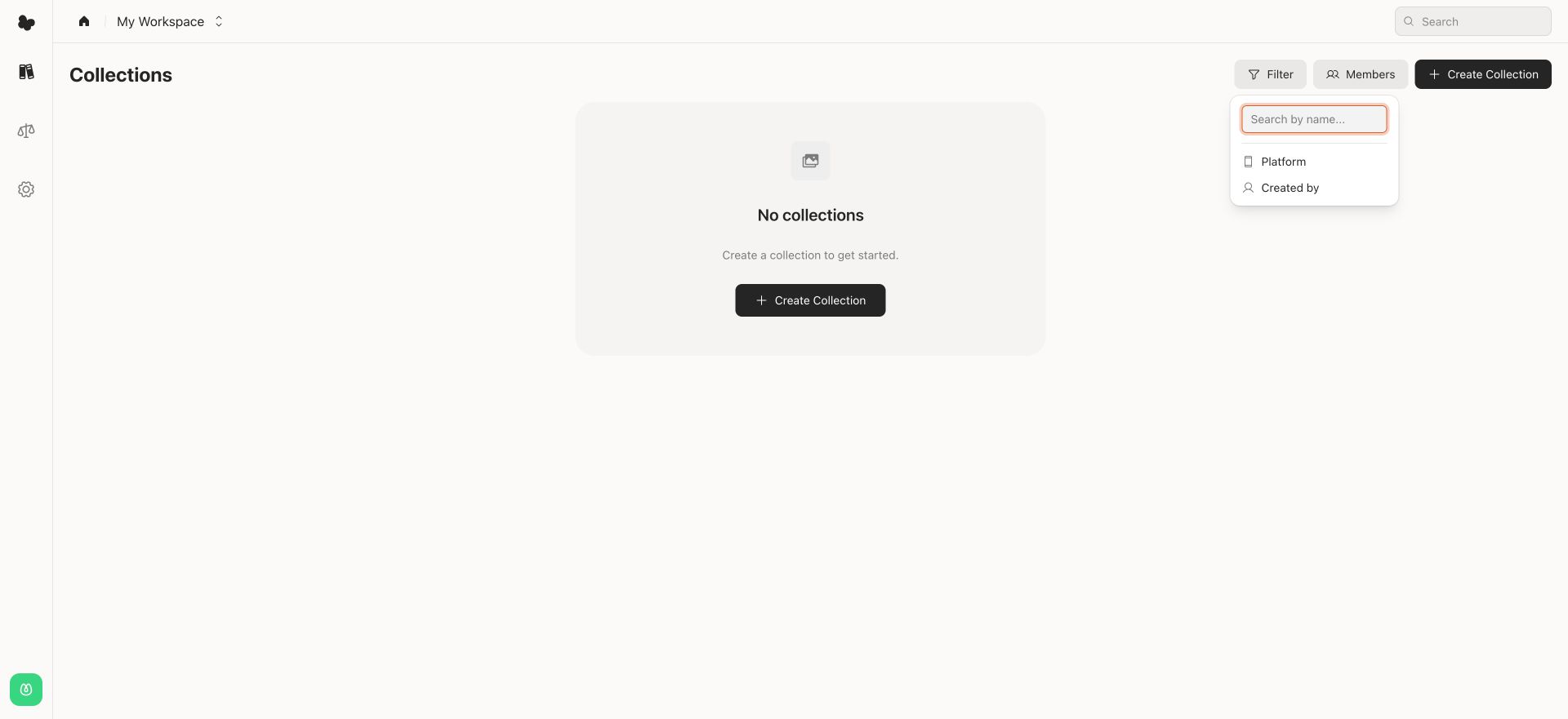
Choose Filter on the collection list to narrow collections by name, platform, or creator.
Collection pages
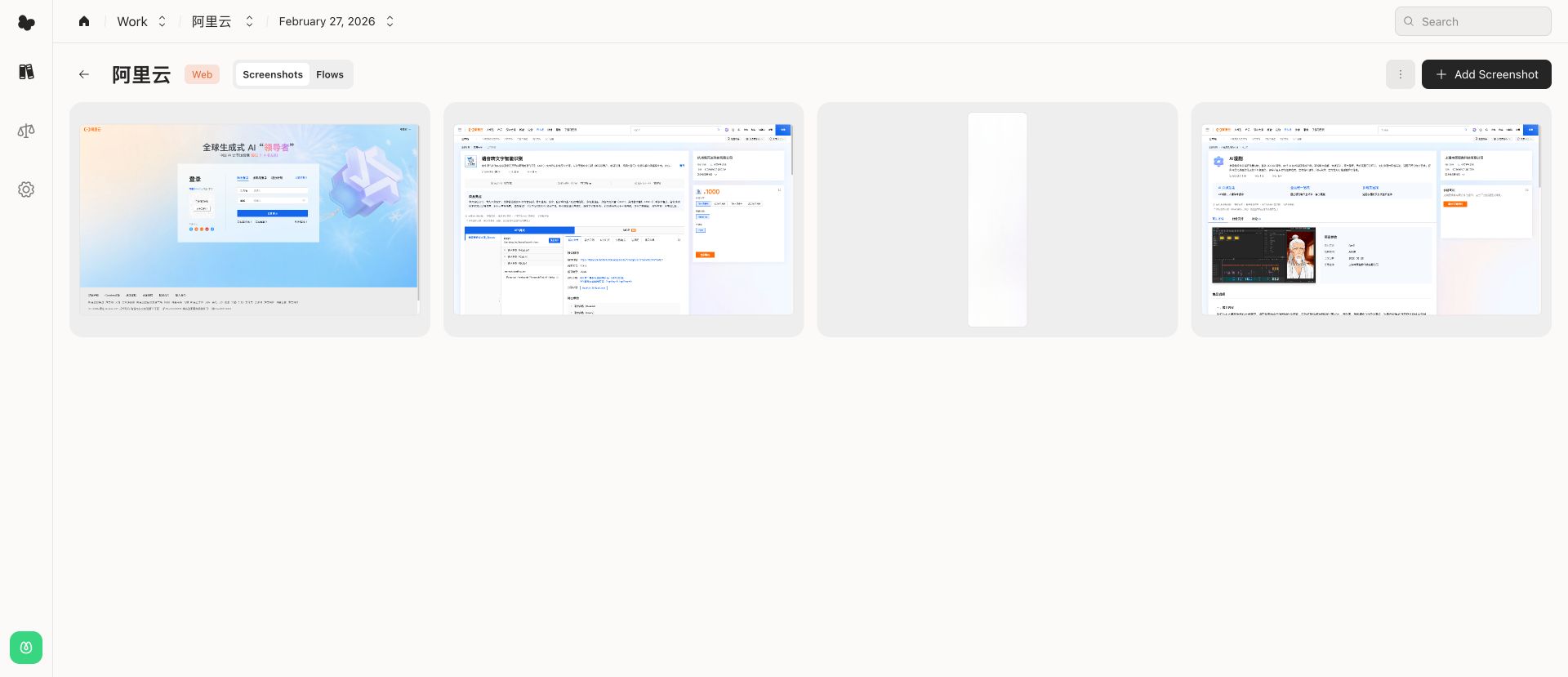
A collection page shows:
- Collection name and platform
- Active version
- Screenshot grid
- Screenshots and Flows tabs
- Add screenshot action
- Collection settings menu
Collection settings
Open collection settings to update the collection name, URL, platform, and versions.
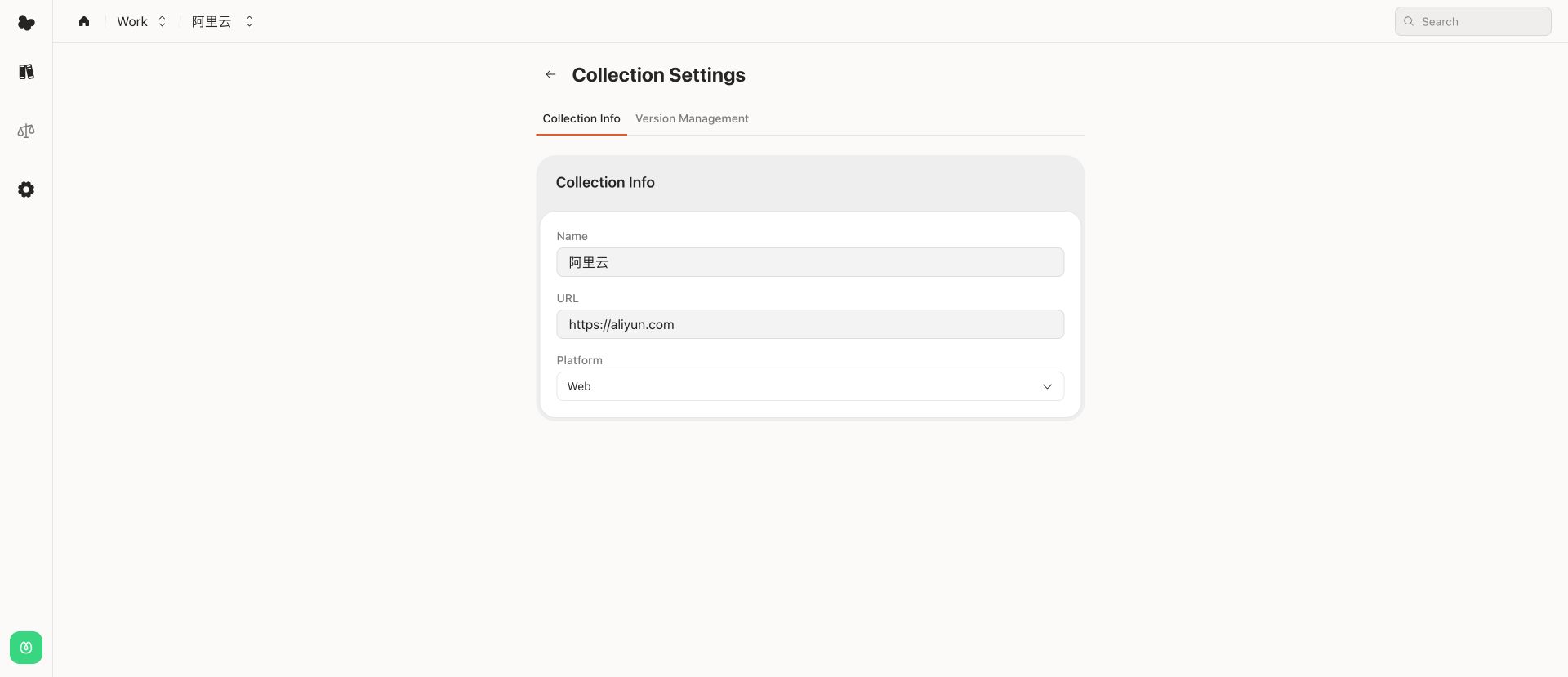
Use Version Management when you need to review or manage version records for the collection.