Workspaces
Workspaces are shared areas for organizing collections and members. Each workspace has its own collections, compare boards, search results, and member list.
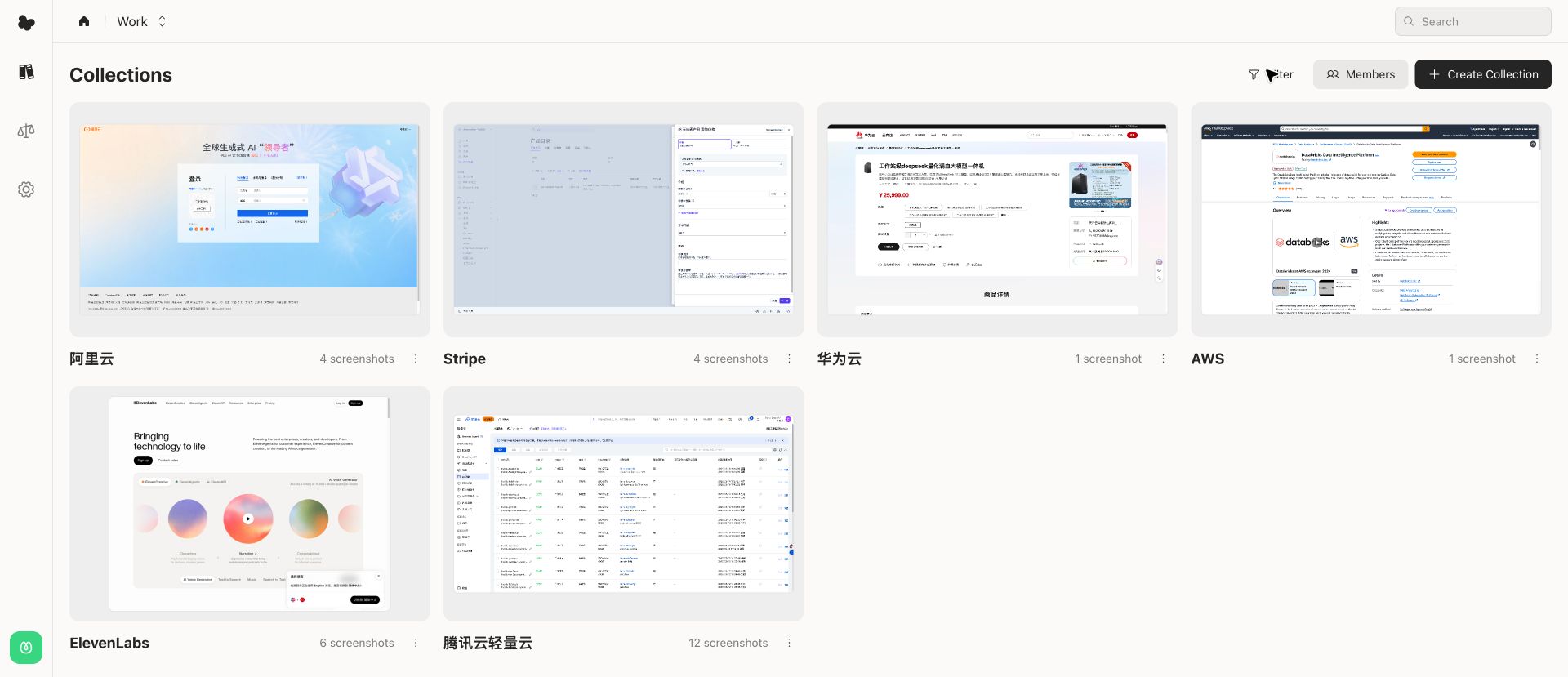
Open a workspace
Open the workspace list from the left rail, then choose the workspace you want to use. Flowingto opens the workspace's collection list.
Manage members
From the collection list, choose Members to invite people and review existing members.
Member management includes:
- Email invite field
- Role selector
- Invite action
- Current member list with names, emails, and roles
Common roles include owner, admin, editor, and viewer. The available actions depend on your role in the workspace.
Workspace settings
Open Settings and choose Workspaces to see the workspaces attached to your account.
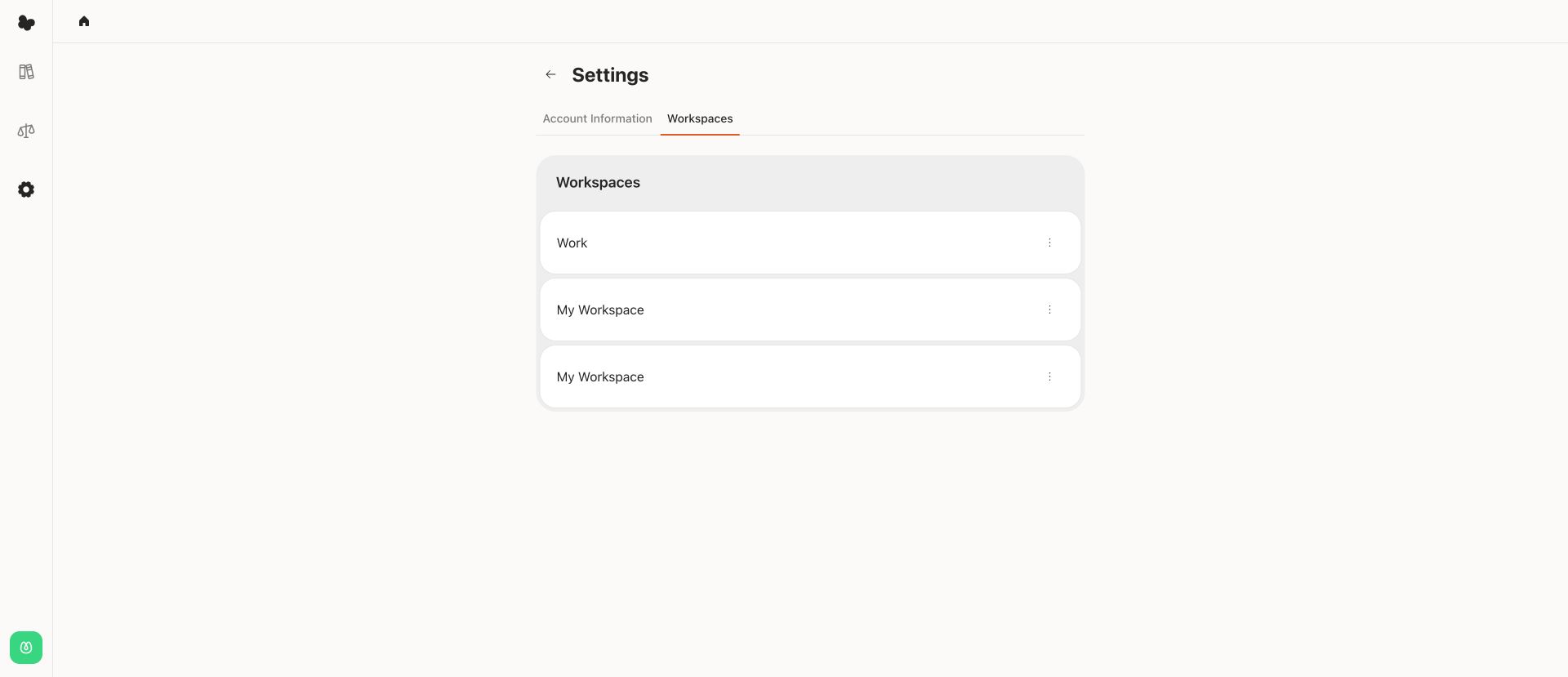
Use this page when you need to review workspace access or open workspace-level actions exposed for your role.