Flows
Flows turn screenshots into an ordered user journey.
Create a flow
Open a collection version, choose the Flows tab, then choose Create Flow.
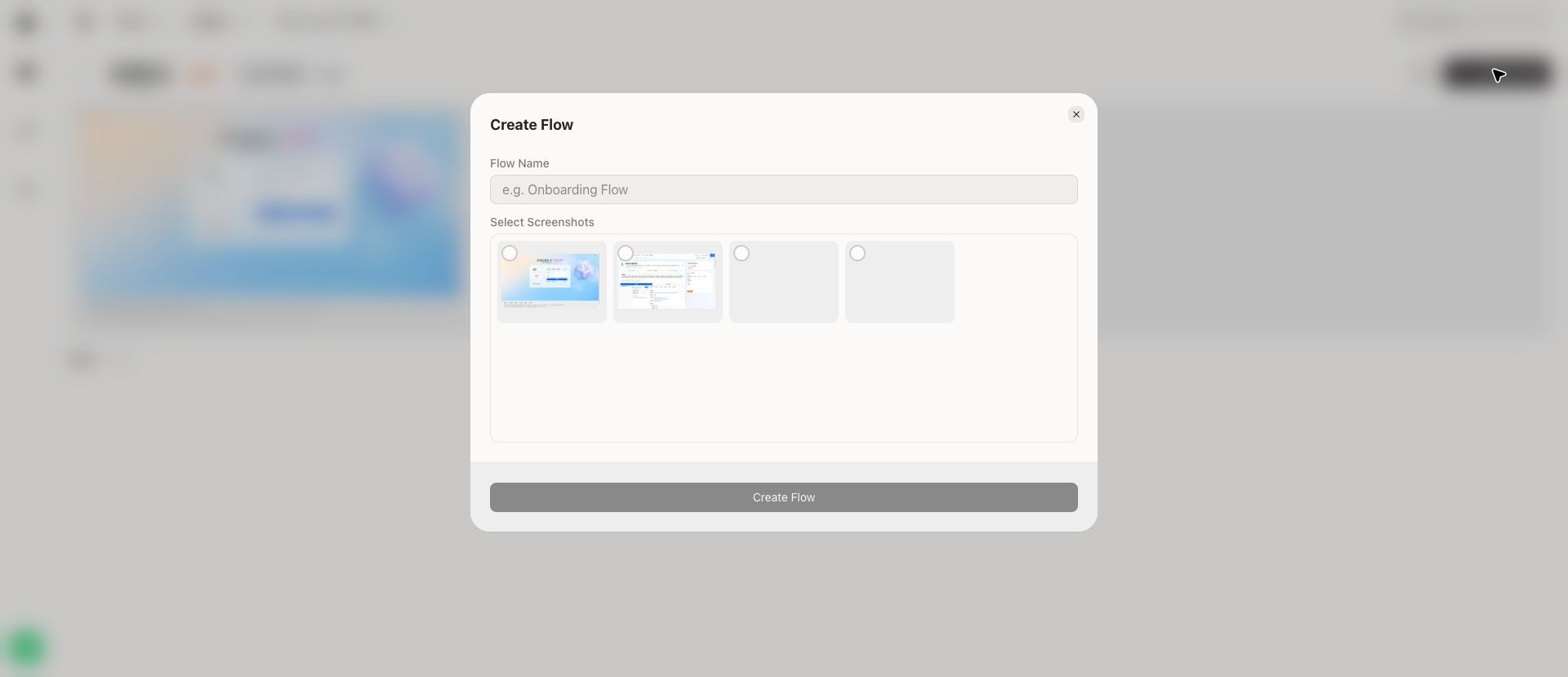
Enter a flow name and select the screenshots that belong in the journey. The create button becomes available after the flow has the required information.
Open a flow
The flows list shows each flow with a preview of its first screenshots and the number of steps.
Review a flow
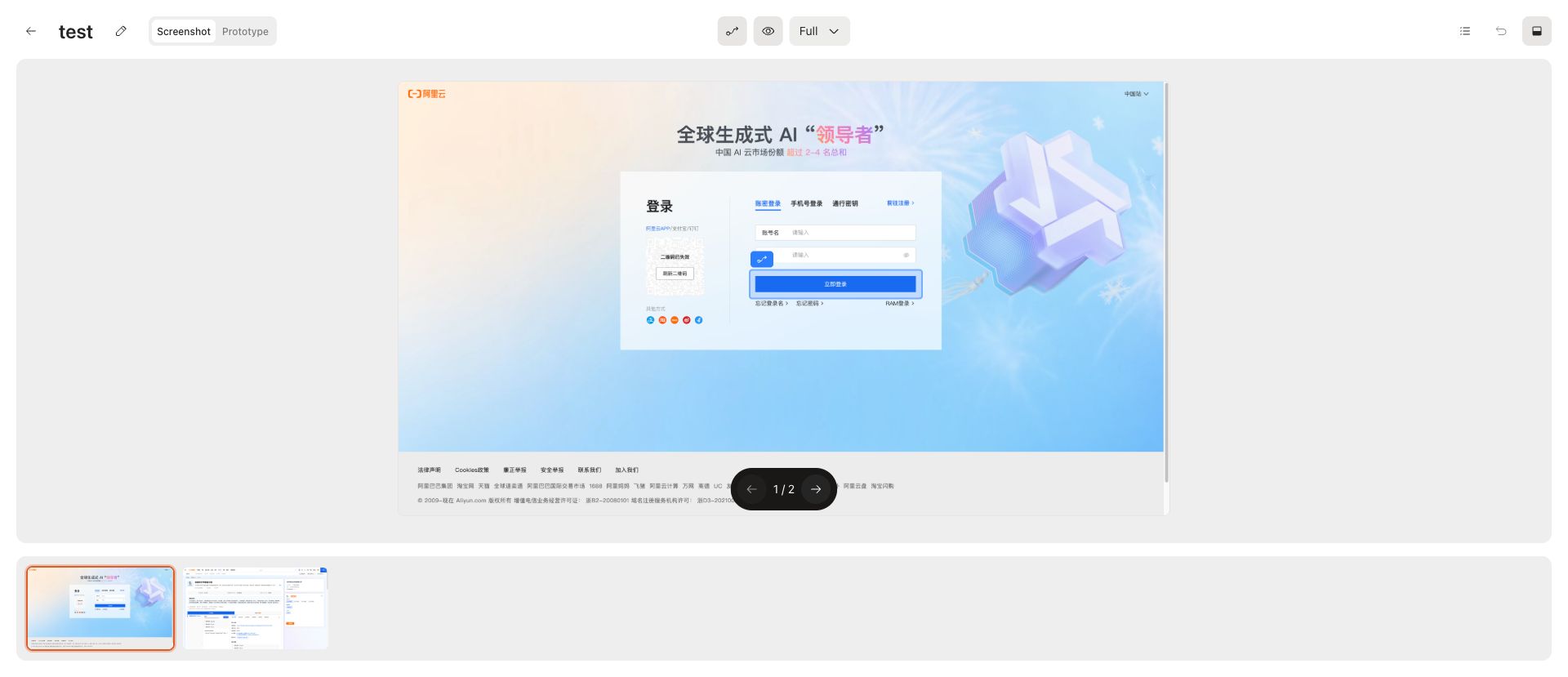
The flow viewer includes:
- Screenshot tab for ordered screen review
- Prototype tab for prototype-style review when available
- Step navigation
- Thumbnail strip
- Delete and reorder controls
- Zoom mode selector
Use flows for recurring journeys such as onboarding, authentication, checkout, upgrade, or feature discovery.